Websites for Artists Free: Build a Stunning Online Portfolio Today

In the contemporary art world, a compelling online presence is as crucial as the art itself. For emerging and established artists, a professional website serves as a permanent gallery, a direct line to collectors, and a central hub for your creative brand. The cost of building and maintaining a site, however, can be a significant barrier. This guide is designed to navigate that challenge by providing a detailed analysis of the best platforms that offer websites for artists free of charge.
This resource moves beyond surface-level descriptions to evaluate the practical applications, inherent limitations, and ideal use cases for each tool. We will dissect twelve distinct platforms, from portfolio builders like Behance to e-commerce solutions such as Big Cartel, ensuring you find a perfect match for your specific needs. Whether you are an interior designer's source for nature-themed art, a painter selling original seascapes, or a digital illustrator seeking commissions, this curated list will help you select the right foundation for your digital studio without an initial financial investment.
Throughout this article, you will find a comprehensive breakdown of each option, complete with screenshots, direct links, and an honest assessment of its strengths and weaknesses. We will explore everything from robust, scalable builders like Wix and WordPress.com to minimalist single-page solutions like Carrd and integrated e-commerce platforms. Our goal is to provide a clear, scannable comparison that empowers you to make an informed decision that aligns with your artistic goals, brand identity, and technical comfort level. This analysis will equip you to establish a professional online presence efficiently and effectively.
1. WordPress.com
WordPress.com offers one of the most robust and scalable websites for artists free of charge, providing a powerful platform for those planning long-term growth. Its free-forever plan includes hosting, an SSL certificate, and a selection of themes, making it an excellent starting point for a professional online presence. Artists can create a sophisticated portfolio using its visual editor to build pages, blog posts, and dedicated image galleries.
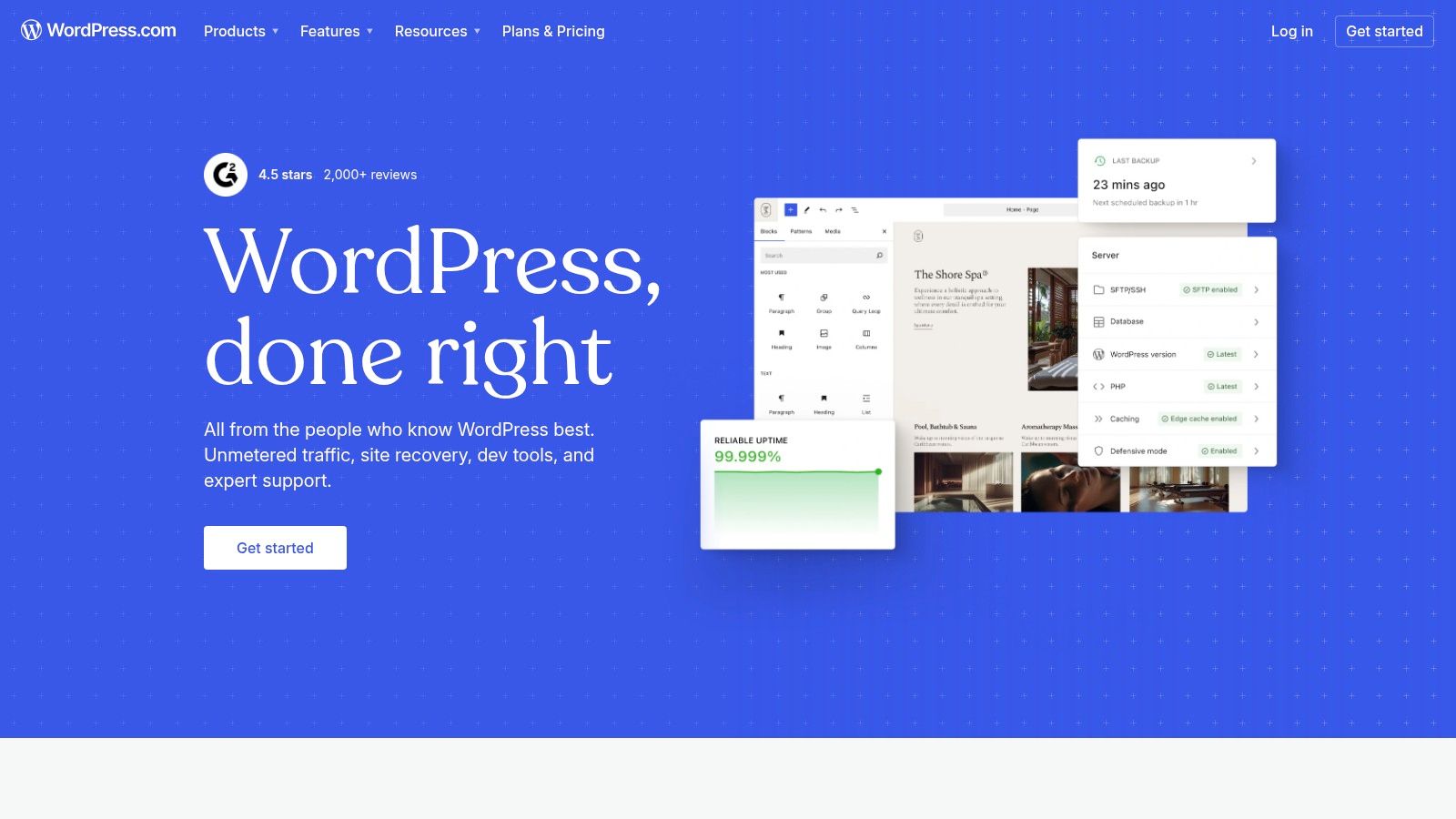
The platform stands out due to its unparalleled scalability. An artist can begin with a simple, free portfolio and later upgrade to paid plans to add a custom domain, unlock e-commerce functionality, and access a vast library of plugins for nearly any feature imaginable. This upgrade path prevents the need to migrate to a new platform as an art career progresses.
Analysis and Recommendations
The user interface is intuitive for beginners, especially those familiar with standard content management systems. For artists who also write, the platform’s strong blogging capabilities are a significant advantage, allowing them to share their process, discuss inspirations, or even provide tutorials. For instance, an artist could write a detailed post on their techniques, similar to a guide on how to start painting with acrylics, to engage their audience and improve SEO.
Key Considerations:
- Best For: Artists who envision growing their website into a comprehensive hub with a blog, store, and custom features over time.
- Limitations: The free plan displays WordPress.com ads and assigns a subdomain (e.g., yoursite.wordpress.com). Storage is limited to 1 GB, which may require careful image optimization.
- Pros: Highly scalable, extensive community support and documentation, strong blogging foundation.
- Cons: Advanced customization and e-commerce require paid upgrades, and the free version has prominent branding.
Website: https://wordpress.com
2. Wix
Wix is a leading drag-and-drop website builder that provides one of the most visually intuitive websites for artists free of charge. Its free plan is an excellent entry point, offering hundreds of professionally designed templates, reliable hosting, and built-in security. Artists can quickly assemble a stunning portfolio by dragging elements exactly where they want them on the page, providing a high degree of creative control without needing to code.
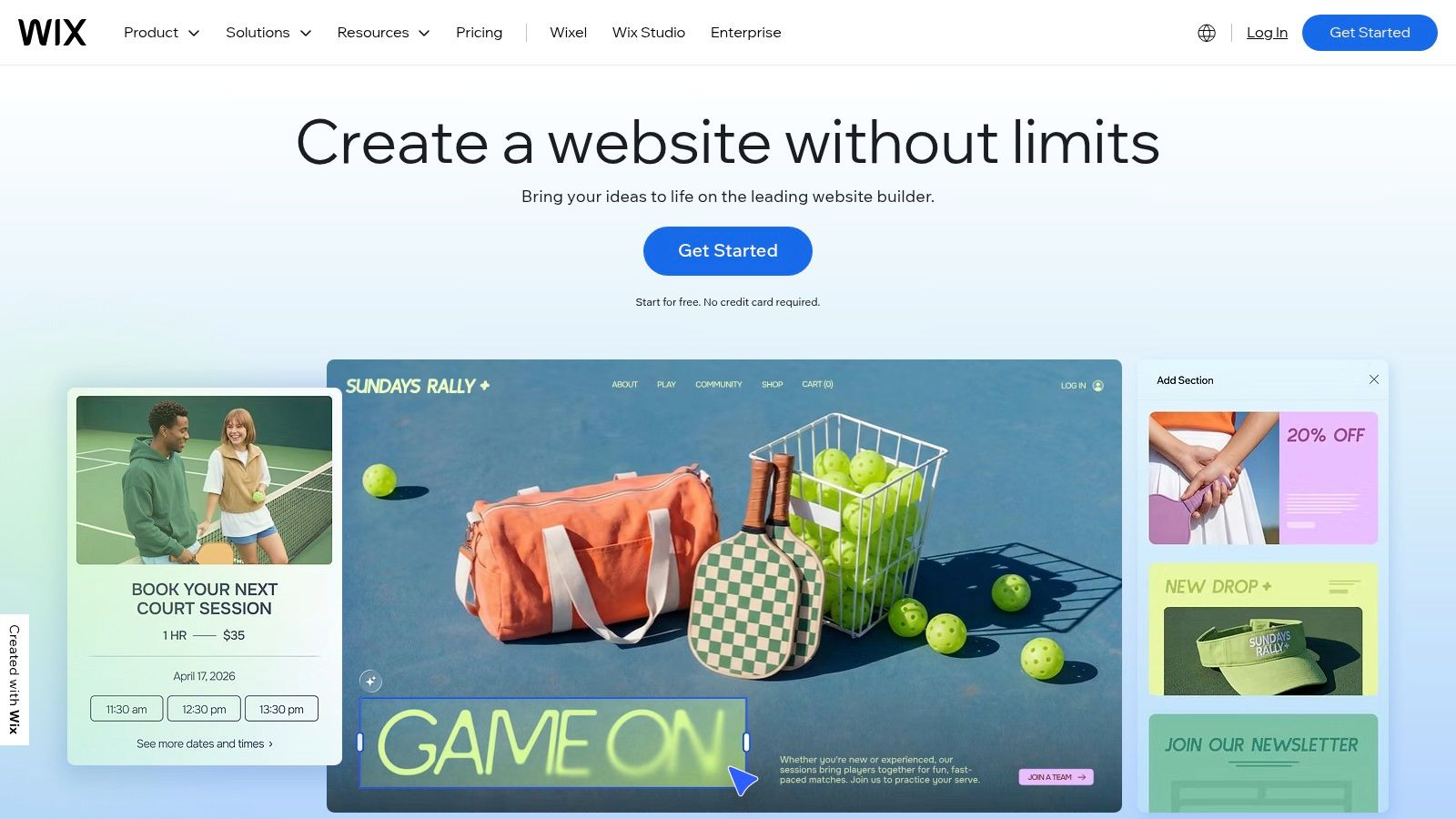
The platform’s standout feature is its design flexibility combined with an all-in-one approach. The Wix App Market allows for easy integration of specialized art galleries, contact forms, and even booking systems for commissions or studio visits. As an artist's needs evolve, Wix offers a clear upgrade path to connect a custom domain, remove ads, and enable full e-commerce capabilities, making it a versatile and scalable choice.
Analysis and Recommendations
The user experience is exceptionally beginner-friendly, making it ideal for artists who prioritize visual design and want to launch a site quickly. The platform’s templates are specifically tailored for portfolios, which simplifies the initial setup process. The integrated marketing tools, even in the free version, provide a solid foundation for promoting one's work online.
Key Considerations:
- Best For: Visual artists who want maximum creative control over their site's layout without writing any code.
- Limitations: The free plan includes Wix ads on every page and assigns a branded subdomain (e.g., username.wixsite.com/sitename). Storage is limited to 500 MB.
- Pros: Highly intuitive visual editor, extensive template library, and a large app market for added functionality.
- Cons: Cannot switch templates after a site is live, and e-commerce features require a paid subscription.
Website: https://www.wix.com
3. Webflow
Webflow provides one of the most powerful and design-oriented websites for artists free of charge, targeting those who want complete creative control over their portfolio's appearance. Its free Starter plan allows users to build and publish a two-page site to a webflow.io subdomain, which is ideal for creating a highly polished, professional-grade portfolio without writing any code. Artists can leverage its visual canvas to craft unique layouts, animations, and responsive designs that stand out.
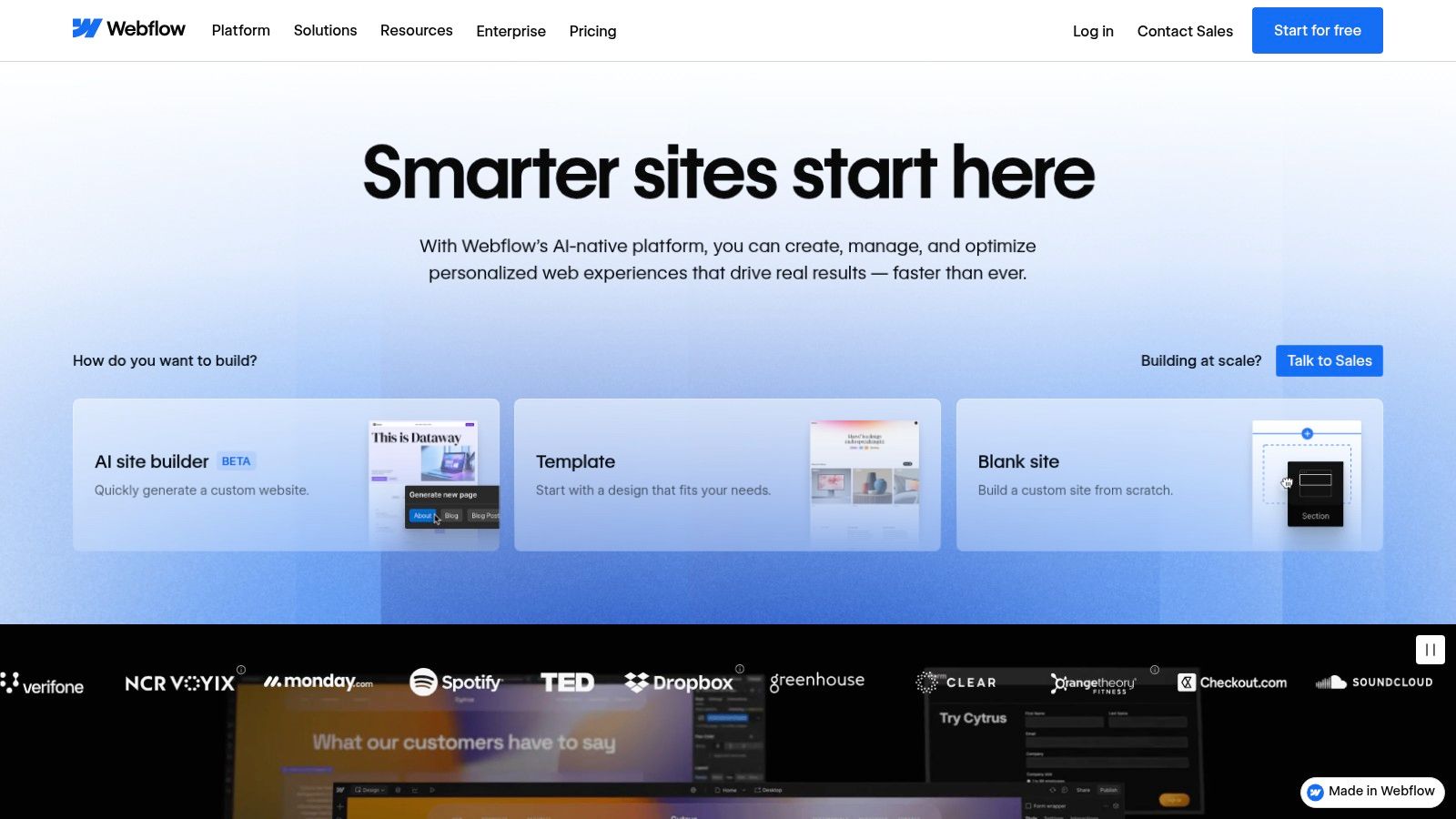
The platform’s key differentiator is its no-code visual editor that outputs clean, semantic HTML and CSS. This gives artists the freedom of a graphic design tool combined with the power of a professional web development environment. As an artist's needs grow, Webflow offers a clear upgrade path to add more pages, a custom domain, and robust CMS capabilities for managing a blog or extensive project galleries, making it a highly scalable choice.
Analysis and Recommendations
While Webflow's interface is incredibly powerful, it presents a steeper learning curve compared to simpler drag-and-drop builders. It is best suited for artists with a background in design or those willing to invest time in learning its system through the excellent tutorials provided by Webflow University. The result is a pixel-perfect, fast-loading site that looks entirely custom-built. An artist could, for example, create complex scroll-triggered animations to reveal artwork in an engaging, narrative-driven way.
Key Considerations:
- Best For: Tech-savvy artists and designers who demand granular control over every visual element and want a professional, custom-looking portfolio.
- Limitations: The free plan is limited to two static pages and a webflow.io subdomain. CMS and e-commerce functionalities are only available on paid plans.
- Pros: Unmatched design customization, clean code output, strong SEO controls, and an excellent upgrade path for professional growth.
- Cons: Significant learning curve for beginners and restrictive page limits on the free plan.
Website: https://webflow.com
4. Carrd
Carrd offers one of the simplest and most efficient solutions for creating websites for artists free of charge, specializing in single-page sites. Its platform is ideal for artists needing a quick, professional landing page, a "link-in-bio" hub, or a minimalist portfolio without the complexity of a multi-page builder. The free plan allows you to publish a fully responsive site on a .carrd.co subdomain, providing a clean and immediate online presence.
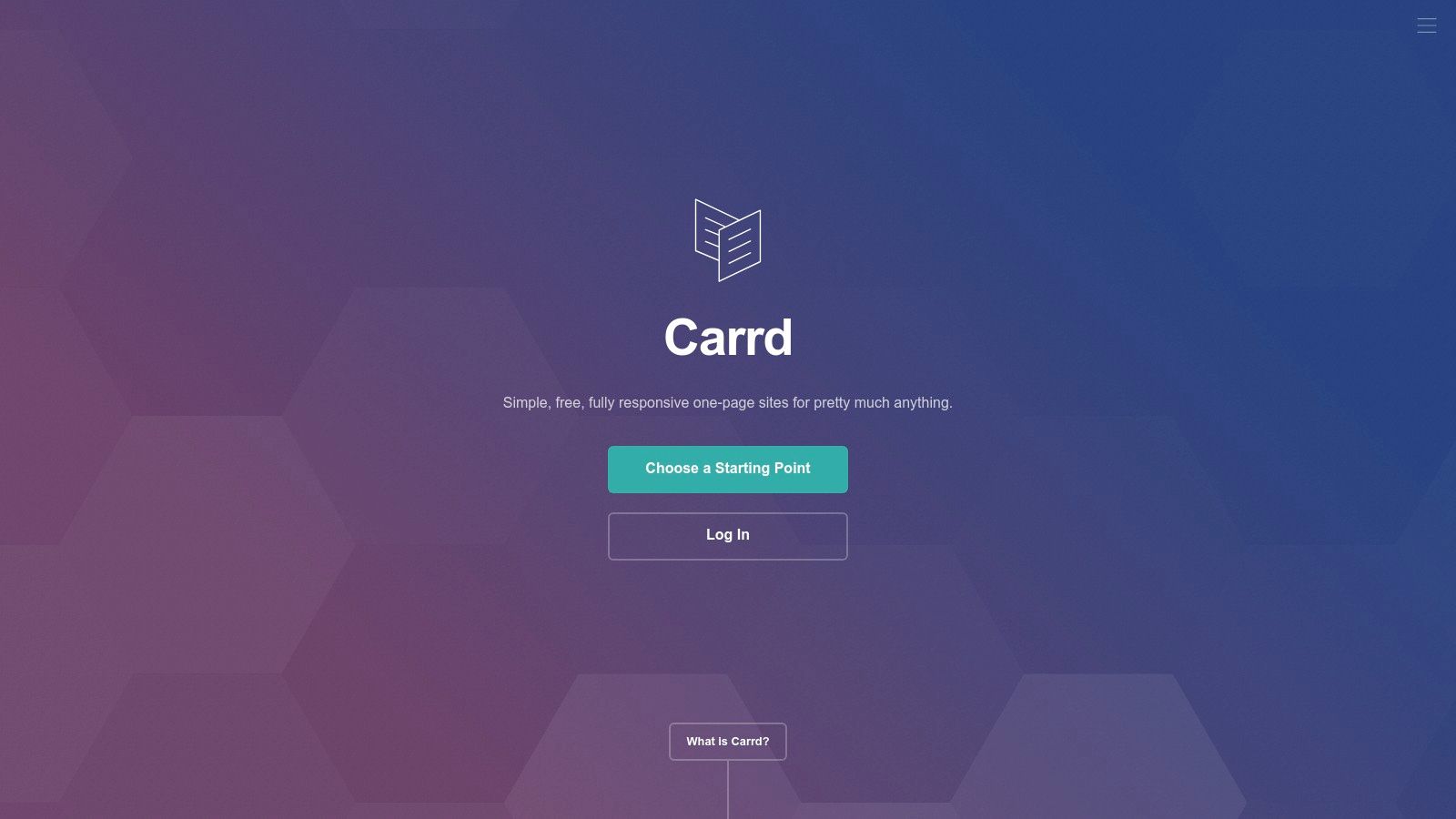
The platform stands out for its speed and affordability. An artist can select a template, add images, text, and links, and publish a site in under an hour. While the free version is robust for simple needs, the Pro plans are exceptionally inexpensive, starting at just $9 per year. These paid upgrades unlock features like custom domains, contact forms, Google Analytics integration, and the removal of Carrd's branding, offering professional features at a minimal cost.
Analysis and Recommendations
The user interface is incredibly intuitive, using a simple drag-and-drop and block-based system that requires no coding knowledge. This makes it perfect for artists who want a polished site without a steep learning curve. The single-page format encourages a focused presentation, ideal for showcasing a curated selection of works or directing visitors to social media profiles and online shops hosted elsewhere.
Key Considerations:
- Best For: Artists seeking a simple "link-in-bio" page, a digital business card, or a focused single-page portfolio with minimal setup time.
- Limitations: The single-page structure is not suitable for artists who need a blog, extensive galleries, or a multi-category shop. Native e-commerce is not supported.
- Pros: Extremely fast and easy to use, highly affordable Pro plans, clean and modern templates perfect for visual presentation.
- Cons: Limited to a single page, which restricts content depth and complex navigation; free plan includes Carrd branding.
Website: https://carrd.co
5. Google Sites
Google Sites provides a completely free and straightforward solution for artists needing a simple online presence. Integrated directly with the Google ecosystem, it allows anyone with a Google account to create functional websites for artists free of charge, complete with hosting and an SSL certificate. Artists can build a clean, minimalist portfolio by embedding images and videos directly from Google Drive and Google Photos.
The platform’s key advantage is its seamless integration with Google Workspace. An artist can embed a Google Form to handle commission requests, a Google Sheet to display an inventory of available works, or a Google Map to show gallery locations. This makes it an exceptionally practical tool for creating digital press kits, project-specific microsites, or a simple contact page without any technical overhead.
Analysis and Recommendations
The user interface is incredibly simple, utilizing a drag-and-drop system that requires no coding knowledge. Its real-time collaboration feature allows artists to work with a gallery manager or collaborator on the site simultaneously. While not built for e-commerce, it is an excellent choice for a functional "business card" website or a temporary page for a specific exhibition or event, offering a fast and efficient way to share information professionally.
Key Considerations:
- Best For: Artists who need a quick, no-cost digital portfolio, press kit, or a simple informational hub that connects to their existing Google apps.
- Limitations: Design customization is highly restricted, offering only basic templates and color schemes. It lacks advanced SEO tools and has no built-in e-commerce or blogging functionality.
- Pros: Entirely free with no upsells, incredibly easy to use, and integrates perfectly with Google Drive, Docs, and Forms.
- Cons: Limited creative control, generic designs, and not suitable for artists looking to sell directly from their site or build a strong brand identity.
Website: https://sites.google.com
6. Canva Websites
Canva extends its popular graphic design suite into the web space, offering one of the most visually intuitive websites for artists free of charge. Known for its drag-and-drop interface, Canva allows artists to design and publish simple, single-page websites with remarkable speed and ease. The free plan permits publishing up to five live sites on a my.canva.site subdomain, making it perfect for temporary exhibition pages, specific collection showcases, or a quick digital business card.
The platform’s strength lies in its seamless integration with the main Canva editor. Artists can leverage a vast library of templates, fonts, and stock media to create a polished, brand-cohesive online presence without any technical knowledge. While it lacks the depth of a traditional website builder, its simplicity is its defining feature, enabling an artist to go from concept to live website in under an hour.
Analysis and Recommendations
The user experience is exceptionally straightforward, making it ideal for artists who feel intimidated by complex website builders. For instance, an artist could quickly design a visually compelling landing page to promote an upcoming gallery show or launch a new series of prints. This tool excels at creating visually-driven microsites that complement a main portfolio or social media presence rather than replacing them.
Key Considerations:
- Best For: Artists needing a fast, visually stunning single-page site for a specific event, collection, or a simple online business card.
- Limitations: The free plan uses a branded Canva subdomain and displays a small Canva badge. Functionality is limited to what the Canva editor offers; there is no blogging, e-commerce, or advanced SEO control.
- Pros: Extremely easy to use, massive library of design assets and templates, and very fast to launch.
- Cons: Not suitable for complex or multi-page portfolios, limited customization beyond visual design, and lacks advanced features.
Website: https://www.canva.com/websites
7. Notion (Published Pages)
Notion offers a uniquely simple and dynamic approach to creating websites for artists free of charge by allowing any page to be published publicly with a single click. This makes it an ideal platform for artists who want a "living" portfolio, process journal, or artwork catalog that is incredibly easy to update. The free plan allows for public page sharing, turning your organized notes and databases into a functional, shareable website.
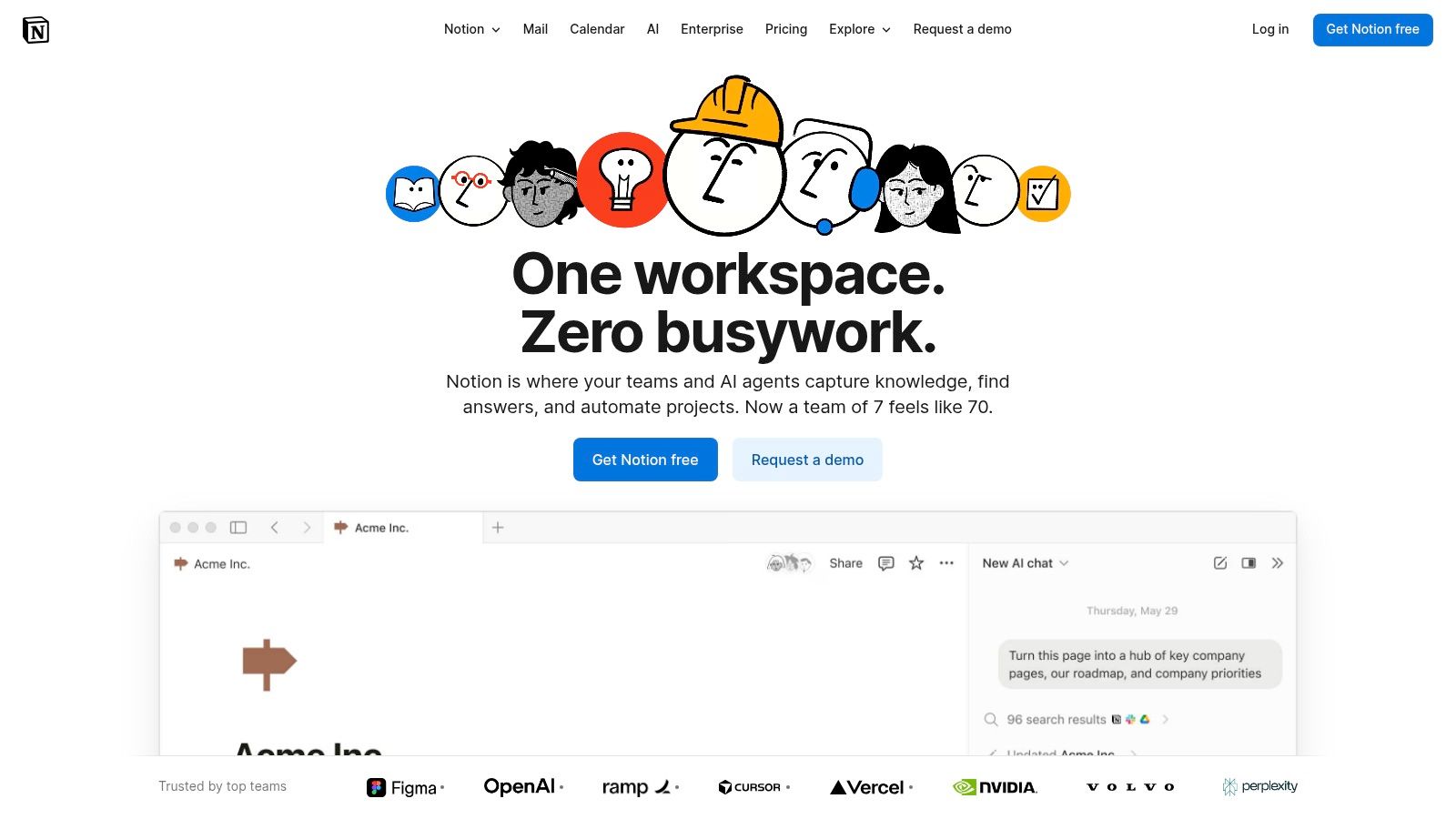
The platform's standout feature is its powerful database functionality, which can be displayed as galleries, lists, or tables. An artist can create a master database of their entire body of work, complete with tags for medium, year, and availability. This content automatically updates on the public page whenever the source database is edited, eliminating the need to manually re-upload or edit a separate website builder.
Analysis and Recommendations
Notion's interface is clean, minimalist, and block-based, making content creation fluid and intuitive. Its strength lies in organization; an artist can build a structured and easily sortable catalog of their work, complete with detailed pages for each piece containing high-resolution images, descriptive text, and even embedded videos of their process. This system is perfect for presenting a comprehensive body of work in a clean, professional format.
Key Considerations:
- Best For: Artists who need a highly organized, database-driven portfolio or an easily updatable project journal without complex design tools.
- Limitations: The free plan offers minimal visual customization, retaining Notion's default aesthetic. Public pages use a Notion URL (e.g., yourname.notion.site), and advanced SEO options or custom domains require paid upgrades.
- Pros: Extremely simple to publish and maintain, excellent for structured art catalogs using databases and gallery views, collaborative features are built-in.
- Cons: Limited design and branding control, some features are locked behind paid plans, not a traditional website builder.
Website: https://www.notion.so
8. Big Cartel
Big Cartel provides one of the most accessible websites for artists free of charge who want to start selling their work online. Its indie-friendly ethos is reflected in its "Gold" plan, a genuinely free option that allows artists to list up to five products. This makes it an ideal platform for testing the waters with a small batch of original paintings, limited edition prints, or a unique run of merchandise without any upfront financial commitment.
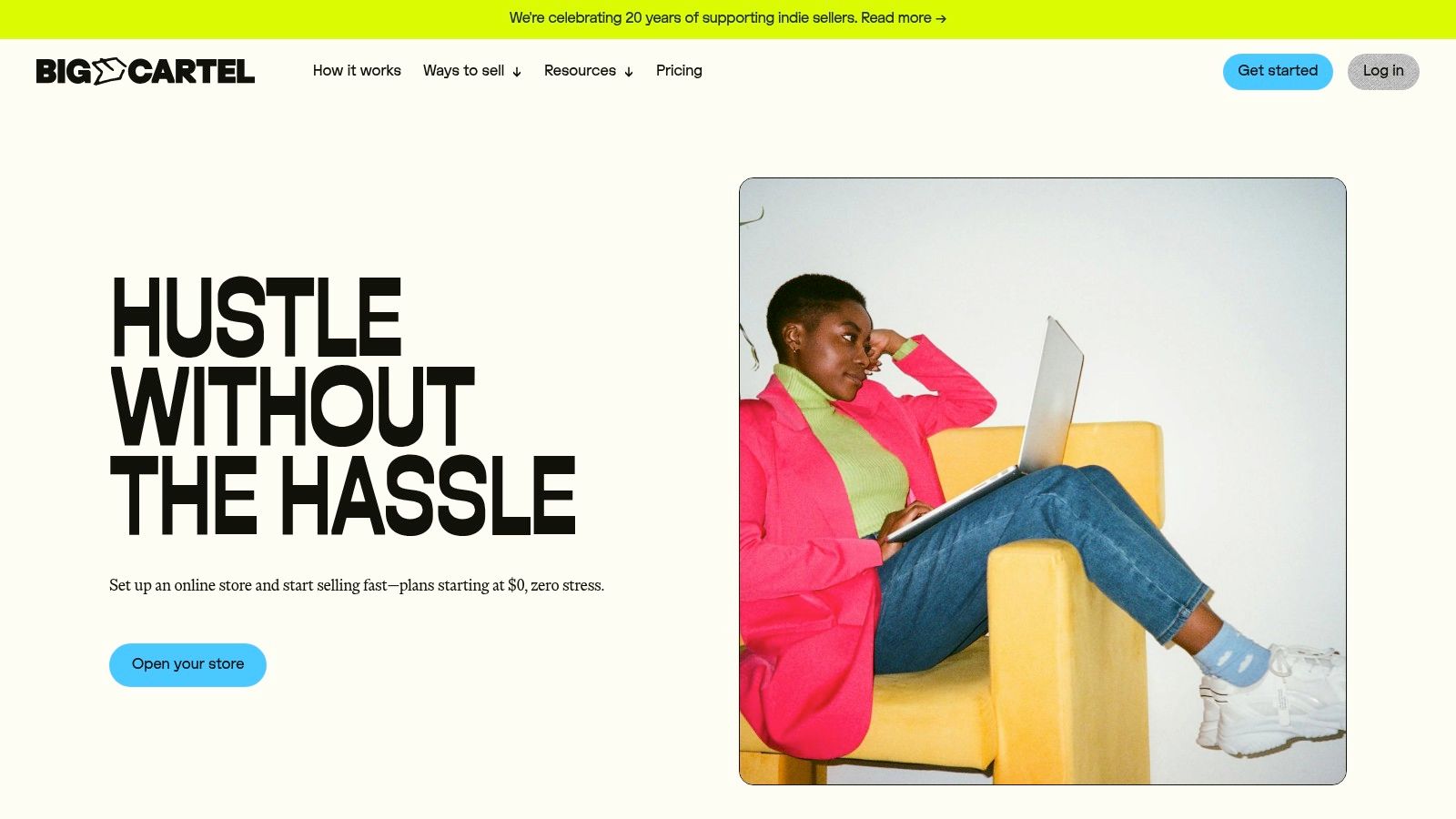
The platform is designed for simplicity, allowing artists to set up a functional and attractive storefront quickly using its customizable templates. It supports major payment gateways like Stripe and PayPal, and even includes features like sales tax automation to simplify the checkout process. As sales grow, artists can easily upgrade to paid plans for more product listings, advanced features, and deeper customization.
Analysis and Recommendations
Big Cartel’s streamlined interface is its greatest strength. An artist can go from signing up to having a live, sellable product in under an hour. The focus is purely on e-commerce, making it less of a portfolio platform and more of a dedicated shop. This simplicity is a major advantage for creators who find more complex platforms overwhelming. Mobile management is also straightforward, and it complements the tools found in a modern app for artists by enabling sales on the go.
Key Considerations:
- Best For: Artists looking to open their first online shop with a small inventory of originals or limited edition products.
- Limitations: The free plan is strictly limited to 5 products with only one image per product. Custom domains and detailed analytics require a paid plan.
- Pros: Genuinely free e-commerce capabilities, extremely user-friendly setup, and a focus on independent creators.
- Cons: Very limited features and product capacity on the free plan, with fewer integrations than larger competitors.
Website: https://www.bigcartel.com
9. Gumroad
Gumroad provides one of the simplest and most direct websites for artists free of charge, focusing on e-commerce rather than extensive portfolio building. It allows artists to set up a storefront to sell digital products like prints, tutorials, and brush packs, as well as physical goods and memberships. There are no monthly fees to open an account, making it an accessible platform for immediate sales.
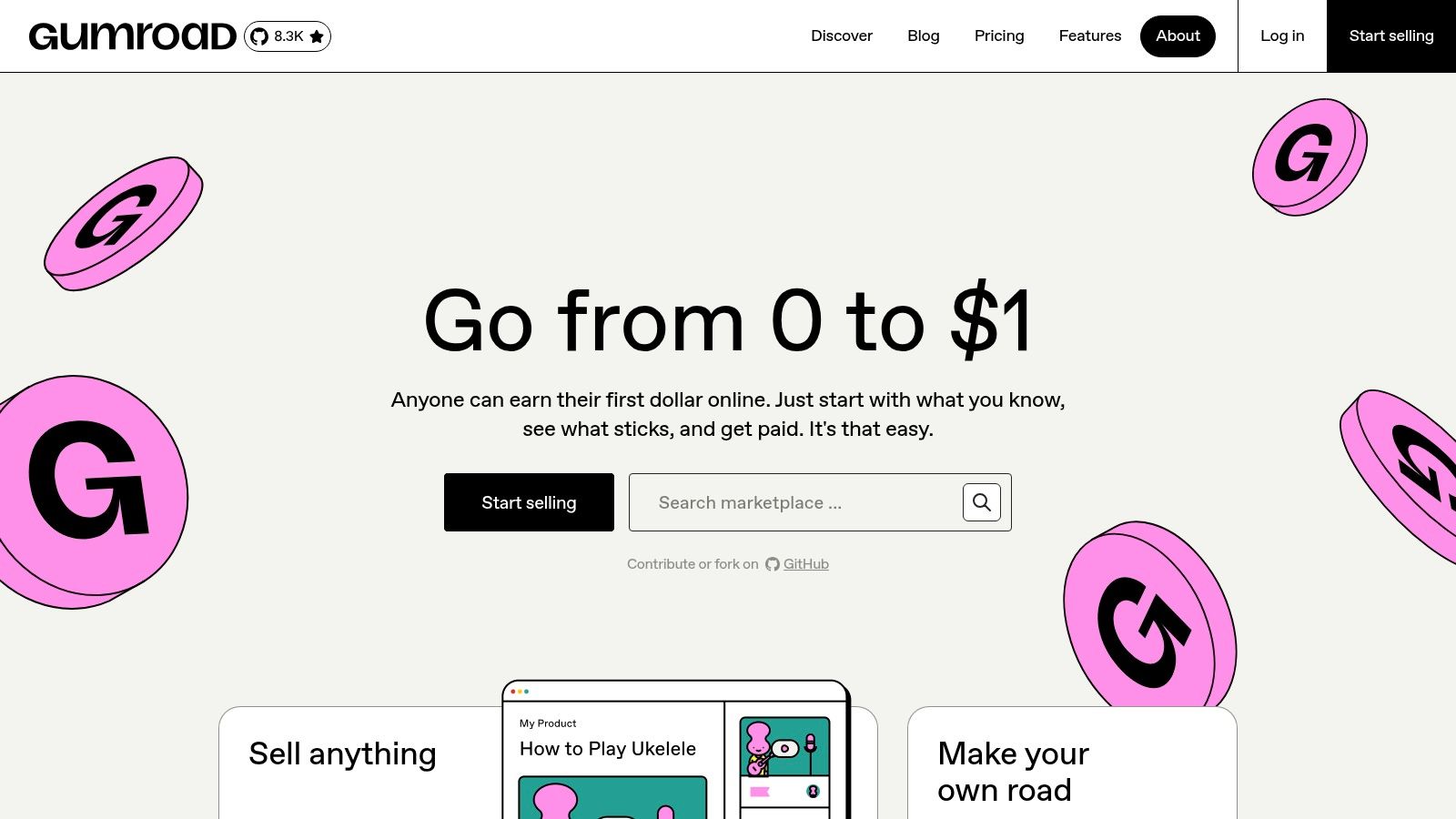
The platform's primary advantage is its role as a merchant of record. Gumroad handles payment processing and the complexities of global sales tax and VAT, which is a significant burden lifted from individual creators. This feature allows artists to sell internationally without navigating complex tax regulations, enabling them to focus on creating and marketing their work.
Analysis and Recommendations
Gumroad's interface is incredibly straightforward, designed for rapid product creation and launch. Artists can create a product page, set a price, upload files, and begin selling within minutes. This simplicity makes it ideal for creators who want to monetize their work quickly without the overhead of building and maintaining a full website. For those selling prints, their work can appeal to a broad audience, and a resource on how to choose art for your home can help potential buyers visualize the pieces in their space.
Key Considerations:
- Best For: Artists primarily focused on selling digital products, tutorials, or memberships with minimal setup.
- Limitations: The platform takes a fee on each sale (starting at 10% and decreasing with lifetime revenue). Customization options for the storefront are minimal compared to a full website builder.
- Pros: Extremely simple to use, no monthly fees, handles complex sales tax and VAT, supports various product types.
- Cons: Transaction fees can be high for low-volume sellers, limited design flexibility for building a brand presence.
Website: https://gumroad.com
10. Ko‑fi
Ko-fi provides one of the most direct and accessible websites for artists free of charge, focusing on monetization through audience support. It is less of a traditional portfolio builder and more of a creator hub where artists can receive tips, offer memberships, sell products, and manage commissions from a single page. Artists can quickly set up a gallery, share posts, and embed their Ko-fi page elsewhere, making it an excellent all-in-one monetization tool.
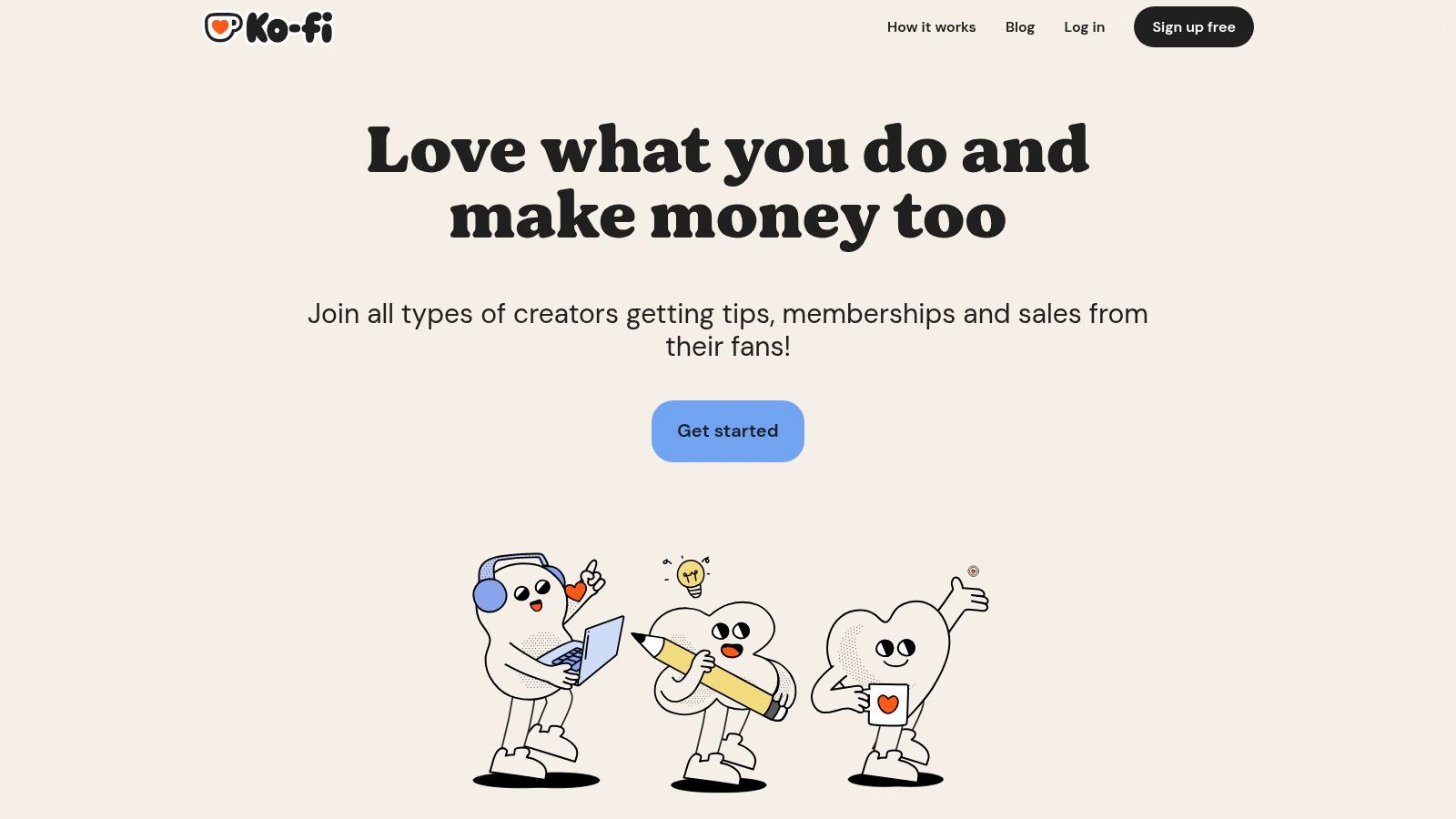
The platform's main advantage is its simplicity and the immediate financial connection it fosters with supporters. There is no monthly fee to start selling or receiving donations, and payouts are sent instantly to the artist’s linked Stripe or PayPal account. This makes it a powerful tool for artists who already have an established audience and want a straightforward way to monetize their work without the complexities of a full e-commerce setup.
Analysis and Recommendations
The user interface is incredibly straightforward, allowing an artist to get their page live in minutes. Its commission and shop features are particularly useful for selling both digital and physical goods with minimal setup. The platform is designed for direct engagement, allowing artists to create a community space where supporters feel directly involved in their creative journey.
Key Considerations:
- Best For: Artists with an existing social media following who want a simple, centralized platform for donations, sales, and commissions.
- Limitations: It is not a comprehensive website builder for creating a multi-page portfolio. The free plan incurs a 5% platform fee on transactions from the shop, commissions, and memberships.
- Pros: Combines multiple monetization streams (tips, store, commissions, memberships), no monthly fees to begin, and instant payouts.
- Cons: Limited customization options for page design and a transaction fee is applied unless you upgrade to the optional Ko-fi Gold subscription.
Website: https://ko-fi.com
11. Behance
Behance, Adobe's creative network, offers one of the most powerful social websites for artists free of charge, focusing on portfolio hosting and professional discovery. Artists can publish an unlimited number of projects, creating detailed case studies of their work that include images, videos, and text. This platform serves as both a portfolio and a social network, connecting creatives with a global audience of peers, fans, and potential employers.
The primary strength of Behance is its direct integration into the professional creative industry. Art directors, recruiters, and clients actively use the platform to scout for talent, making it an essential tool for visibility. Its curated galleries and discovery feeds algorithmically surface high-quality work, giving artists a chance to be featured and gain significant exposure without needing a pre-existing following.
Analysis and Recommendations
The interface is project-based, encouraging artists to present their work as comprehensive case studies rather than single images. This is ideal for showcasing the process behind a piece or a series. For artists looking to build a professional brand and attract work, Behance is an indispensable tool that functions like a dynamic, networked resume. It complements a personal website by driving traffic and establishing credibility, a key aspect of any effective social media strategy for artists.
Key Considerations:
- Best For: Artists seeking industry exposure, commissions, and job opportunities, especially in commercial fields like illustration and design.
- Limitations: It is not a standalone, personal website but a profile on a larger network. Monetization features, such as subscriptions, are subject to platform fees.
- Pros: Massive built-in audience of creative professionals, unlimited project hosting for free, high potential for discovery and industry recognition.
- Cons: Your portfolio is tied to the Behance brand and interface, offering limited personal branding control compared to a dedicated website.
Website: https://www.behance.net
12. ArtStation
ArtStation is a premier community and portfolio platform, making it one of the most essential websites for artists free of charge, particularly for those in the digital, entertainment, and video game industries. Its free plan allows artists to create a high-quality portfolio page to showcase their work, gain visibility, and connect with peers and potential employers. The platform is structured around community engagement, with a homepage that features trending and exceptional artwork, offering significant exposure.
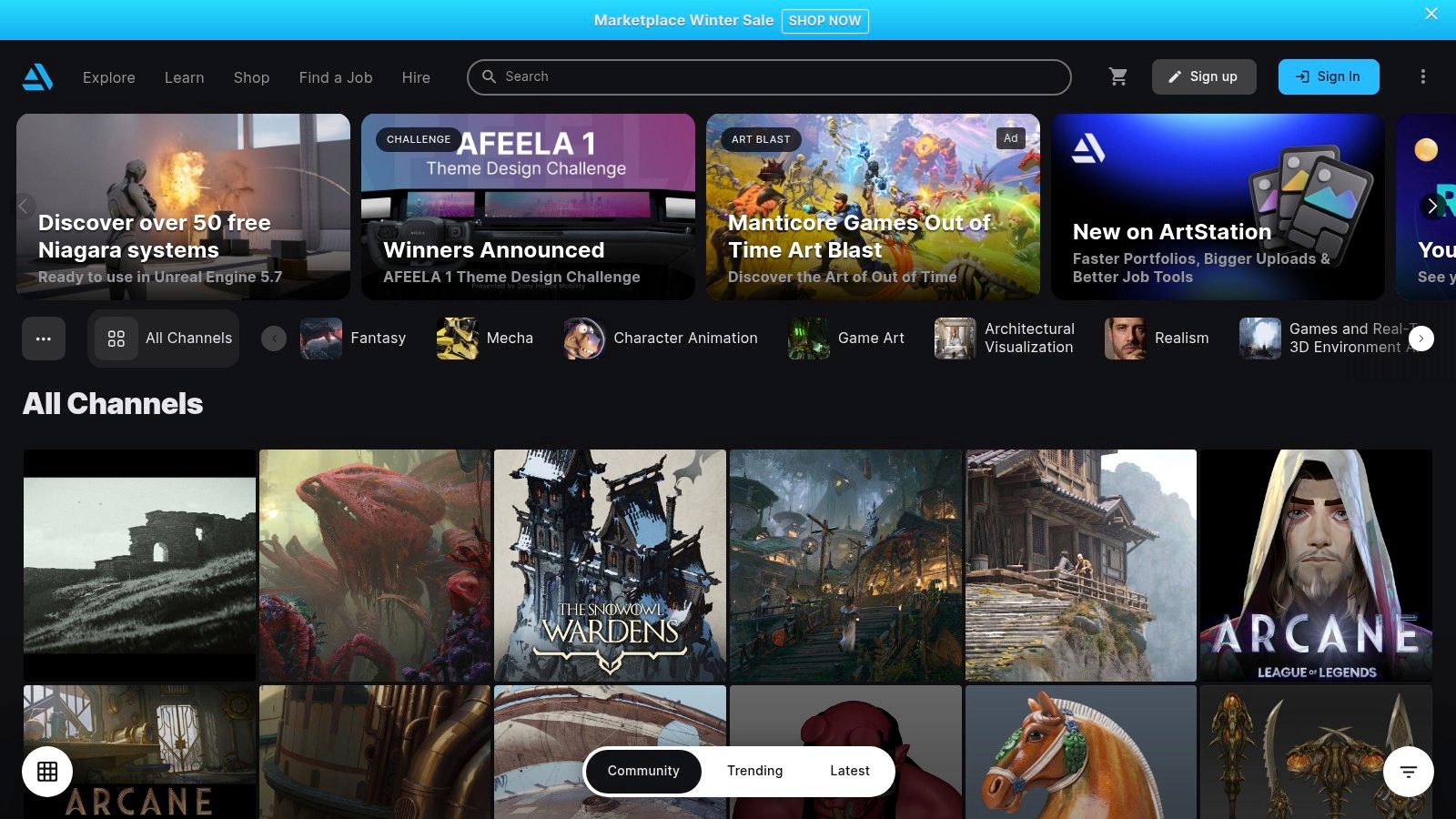
The platform's main strength is its deep integration within the professional creative industries. Recruiters and art directors from major studios frequently browse ArtStation to discover talent, and the site includes a dedicated job board. While the free tier is a portfolio and not a full website builder, its focused environment ensures an artist's work is seen by a relevant, high-intent audience. This makes it an invaluable tool for career advancement and networking.
Analysis and Recommendations
The interface is streamlined for displaying high-resolution images and 3D models, making the upload and management process straightforward. For artists aiming to build a professional reputation, consistently posting high-quality work is key to gaining traction on the platform. It is an excellent space to observe industry trends and learn how to develop your art style by studying the work of leading professionals. An upgrade to a Pro account unlocks more advanced features, including a custom domain for a more personalized portfolio site.
Key Considerations:
- Best For: Digital illustrators, concept artists, 3D modelers, and animators seeking industry exposure and career opportunities.
- Limitations: The free version is a hosted portfolio page, not a standalone website. Its community is heavily focused on entertainment and game art niches.
- Pros: Excellent industry visibility and networking, high-quality image hosting, integrated job board, and strong community features.
- Cons: Limited customization on the free plan, and less effective for artists outside of the digital or entertainment fields.
Website: https://www.artstation.com
12 Free Website Platforms for Artists — Comparison
| Platform | ✨ Core features | ★ UX / Quality | 💰 Price & value | 👥 Target audience | 🏆 Best fit / USP |
|---|---|---|---|---|---|
| WordPress.com | Free plan, visual editor, themes, plugins/commerce upgrade | ★★★★ — flexible, well‑documented | 💰 Free tier; paid for custom domain/plugins | 👥 Artists who want long‑term control & growth | 🏆 Scalability & huge community |
| Wix | Drag‑and‑drop editor, templates, App Market, AI site builder | ★★★★ — design‑flexible, fast to launch | 💰 Free with Wix branding; paid plans for domain/ecommerce | 👥 Visual creators wanting quick, polished sites | 🏆 Design speed & template variety |
| Webflow | Visual designer, responsive control, CMS & clean code | ★★★★ — professional polish, steeper learning | 💰 Free Starter; paid for CMS/custom domains | 👥 Designers seeking fine‑grained control | 🏆 Design fidelity & clean output |
| Carrd | Single‑page sites, very fast setup, low‑cost Pro plans | ★★★ — minimal, ultra‑fast | 💰 Free; Pro ≈ $9/yr to remove branding & add domain | 👥 Minimalists, link‑in‑bio, one‑page portfolios | 🏆 Affordability & speed |
| Google Sites | Free hosting, Google Drive integration, real‑time collaboration | ★★ — simple, limited design | 💰 Free | 👥 Informational portfolios, press kits, teams | 🏆 Simplicity & Workspace integration |
| Canva Websites | Drag‑and‑drop visuals, templates, branding tools | ★★★ — very easy, visually cohesive | 💰 Free with subdomain; paid for custom domain | 👥 Non‑technical creators wanting branded pages | 🏆 Fast, cohesive visual design |
| Notion (Published Pages) | Publish pages, auto‑update, databases & galleries | ★★★ — great for living docs & updates | 💰 Free; some domain/SEO features paid | 👥 Process journals, dynamic portfolios/catalogs | 🏆 Live updating & structured catalogs |
| Big Cartel | Simple storefront, Gold free plan (up to 5 products) | ★★★ — lightweight, ecommerce basics | 💰 Free Gold (limits); paid tiers for more products | 👥 Indie artists testing an online shop | 🏆 Truly free selling for small catalogs |
| Gumroad | No monthly fee, digital delivery, merchant of record | ★★★★ — simple checkout & delivery | 💰 No monthly; fees per sale | 👥 Sellers of digital goods, memberships, prints | 🏆 Easy global sales + tax handling |
| Ko‑fi | Tips, memberships, commissions, instant payouts | ★★★ — versatile creator features | 💰 Free; platform fee unless Gold subscription | 👥 Creators seeking tips/commissions + shop | 🏆 All‑in‑one tipping + commissions tool |
| Behance | Free portfolio hosting, curated discovery feed | ★★★★ — strong visibility & credibility | 💰 Free | 👥 Artists seeking industry exposure & clients | 🏆 Creative network for discovery |
| ArtStation | Portfolio & marketplace, job boards, prints | ★★★★ — industry‑oriented presentation | 💰 Free; Pro for custom domains/features | 👥 Illustrators, concept/3D artists, industry pros | 🏆 High‑intent creative audience and jobs |
Your Next Step: Building a Lasting Digital Presence
Embarking on the journey to establish an online presence can feel monumental, yet as we have explored, the digital landscape is rich with opportunities. The comprehensive list of websites for artists free of charge presented in this article demonstrates that a limited budget is no longer a barrier to professional representation. From robust portfolio platforms like Behance and ArtStation to versatile site builders such as Wix and WordPress.com, the tools available empower you to take control of your artistic narrative.
The central takeaway is that the "best" free platform is entirely subjective; it is contingent upon your specific objectives as a creator. Your choice should be a strategic one, directly aligned with your career goals at this moment. A meticulously crafted digital presence is no longer a mere supplement to an artist's career; it is a fundamental component of it.
Making a Strategic Decision
To move forward effectively, it is crucial to distill your primary objective. Are you focused on selling a small collection of original works, or is your main goal to secure freelance commissions and attract industry attention? A clear answer to this question will illuminate your path.
Consider these guiding questions to help you select the right starting point:
- What is my primary goal? If selling products is your immediate focus, platforms with built-in e-commerce like Big Cartel, Gumroad, or Ko-fi are the most direct routes. For building a professional portfolio to attract clients or galleries, Behance, ArtStation, or a streamlined site from Carrd or Canva would be more suitable.
- How much time can I invest? For artists seeking a rapid setup with minimal technical overhead, tools like Google Sites, Canva Websites, and Carrd offer the quickest path to a live, functional page. Platforms like Webflow or WordPress.com, while offering greater customization, demand a more significant investment in learning and implementation.
- What is my long-term vision? While all these tools are free to start, consider their scalability. A platform like WordPress.com offers a clear upgrade path to a more powerful, self-hosted solution as your career grows. Starting on a platform that can evolve with you can prevent the need for a complicated migration in the future.
Implementing Your Choice for Maximum Impact
Once you have selected a platform, implementation is key. Remember that your website is an extension of your studio practice and should be treated with the same intentionality and care. Pay close attention to image optimization; high-quality, fast-loading visuals are non-negotiable for an artist's website. Ensure your "About" page tells a compelling story and that your contact information is easily accessible.
These free tools are your foundation. They provide a space to experiment, to present your work to the world, and to begin building a community around your art. Your digital presence is not a static monument but a living, breathing entity that should grow and adapt alongside your creative output. Use these resources to lay the groundwork, gather valuable feedback from your audience, and confidently steer the course of your artistic journey in the digital domain.
For a real-world example of how a simple, well-designed website can beautifully showcase an artist's work, explore the portfolio of Skyler’s Art. Built on principles of clean design and user experience, it serves as an excellent case study in creating an effective online gallery for original paintings. See how these concepts are put into practice at Skyler’s Art.